01: Introduction to Declarative Automation Bundles (DABs)
In this module, you will set up your local development environment, authenticate with Databricks, and deploy your first “Hello World” Databricks Asset Bundle.
What Are We Building?
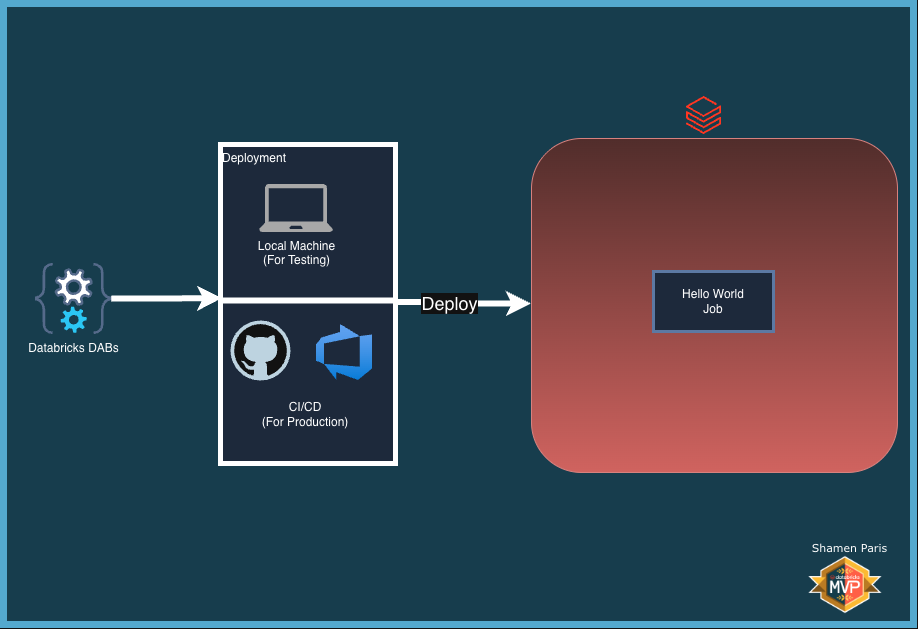
Prerequisites and Local Setup
Complete the Prerequisites and Local Setup before continuing.
Bundle Structure
This module contains two core files:
src/hello_world.py— A basic Python script that prints a status message.databricks.yml— The declarative configuration that tells Databricks how to deploy and run the script as a job.
How to Deploy and Run
Once authenticated, navigate to this folder (01-introduction-to-dab) in your terminal.
Step 1: Validate the bundle
Ensures your YAML syntax is correct before deploying to the cloud.
databricks bundle validate

Step 2: Deploy the bundle
Syncs your local files to the Databricks workspace and creates the job definition.
databricks bundle deploy

Step 3: Run the job
Triggers the job execution directly from your terminal.
databricks bundle run hello_world_job

Expected Result
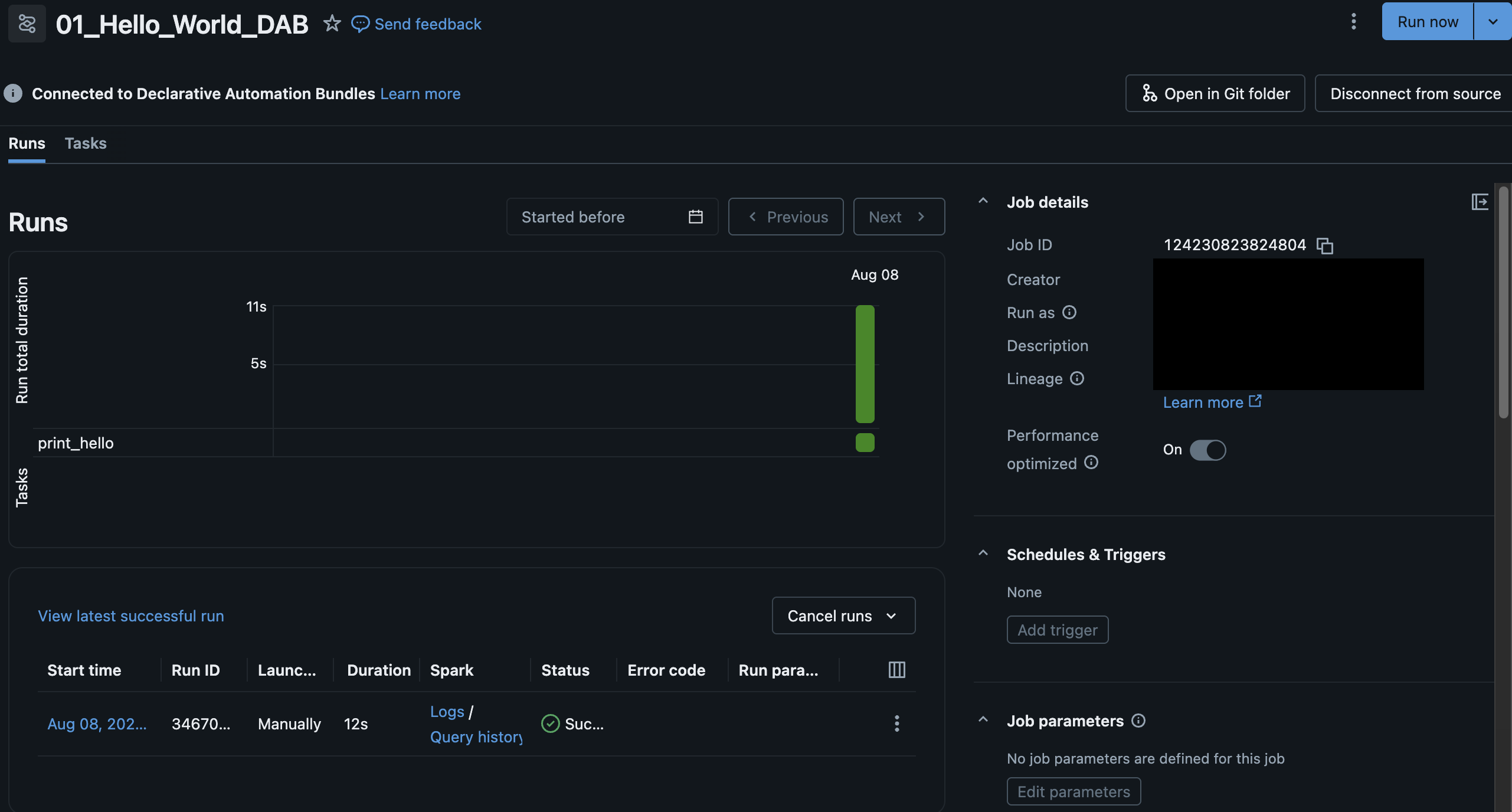
Navigate to Workflows in your Databricks workspace. You will see a job named 01_Hello_World_DAB. Check the run logs to confirm the Python script executed successfully.