06: Run Multiple Tasks
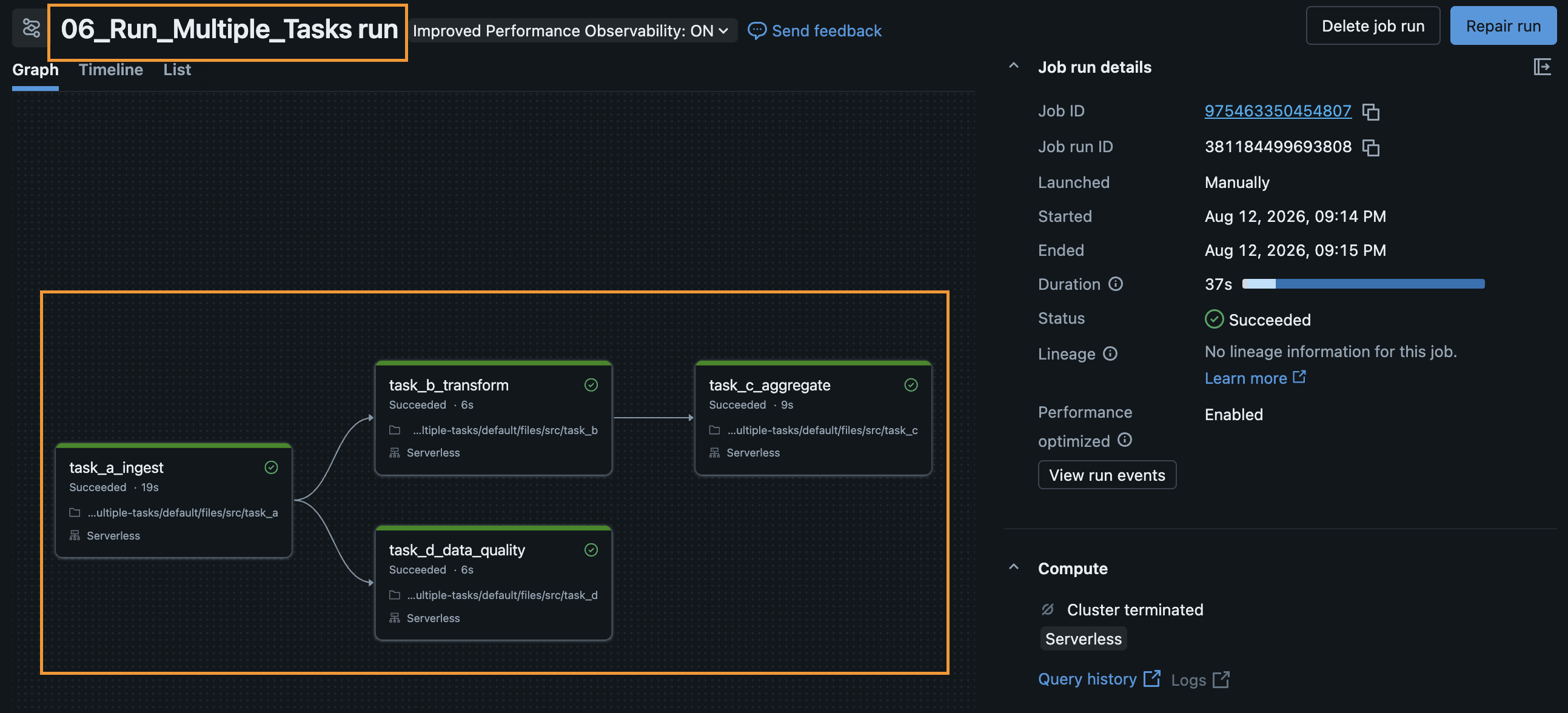
In this module, you will learn how to build a Directed Acyclic Graph (DAG) in Databricks Workflows by orchestrating multiple tasks with dependencies.
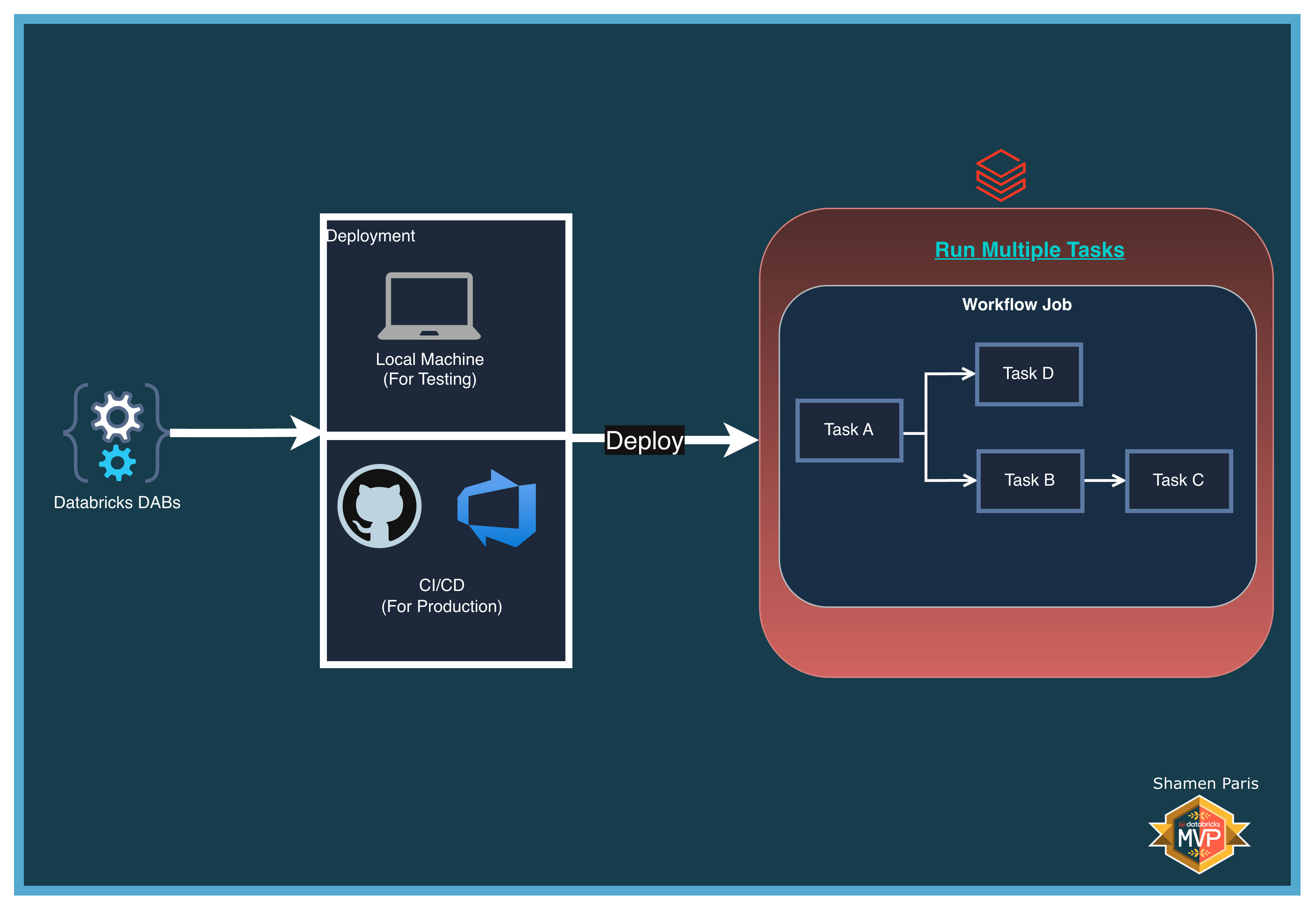
The workflow in this module follows this structure:
- Task A runs first.
- Task B and Task D run in parallel after Task A succeeds.
- Task C runs only after Task B succeeds.
All tasks reference the standard Unity Catalog environment: main.demo.
What Are We Building?
Prerequisites and Local Setup
Complete the Prerequisites and Local Setup before continuing.
Bundle Structure
databricks.yml— The master control file.resources/jobs/multi_task_job.yml— Defines all tasks and theirdepends_onrelationships.src/task_a.pythroughsrc/task_d.py— Individual Python notebooks that execute in order.
How to Deploy and Run
Once authenticated, navigate to this folder (06-run-multiple-tasks) in your terminal.
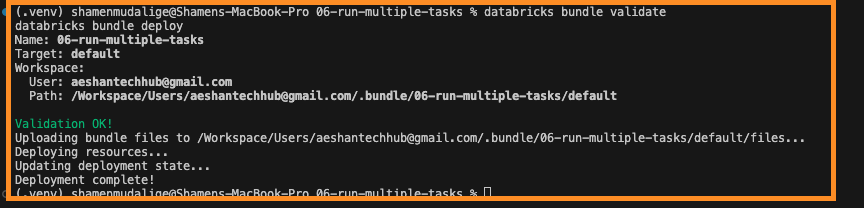
Step 1: Validate and deploy
databricks bundle validate
databricks bundle deploy
Step 2: Run the job
databricks bundle run multi_task_job