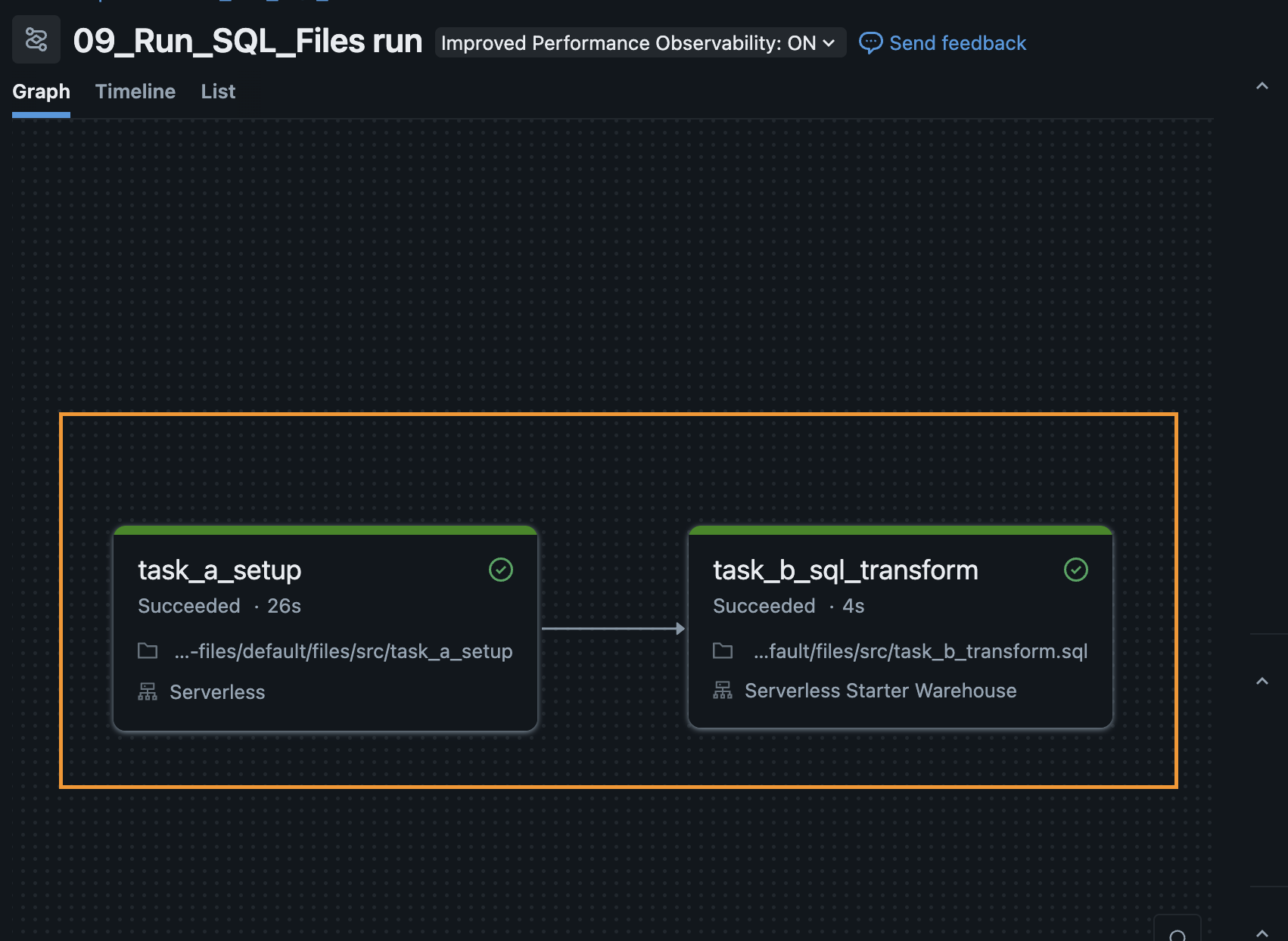
09: SQL Tasks with Variable Lookup
In this module, you will learn two advanced enterprise patterns for orchestrating SQL workloads on Databricks:
- The
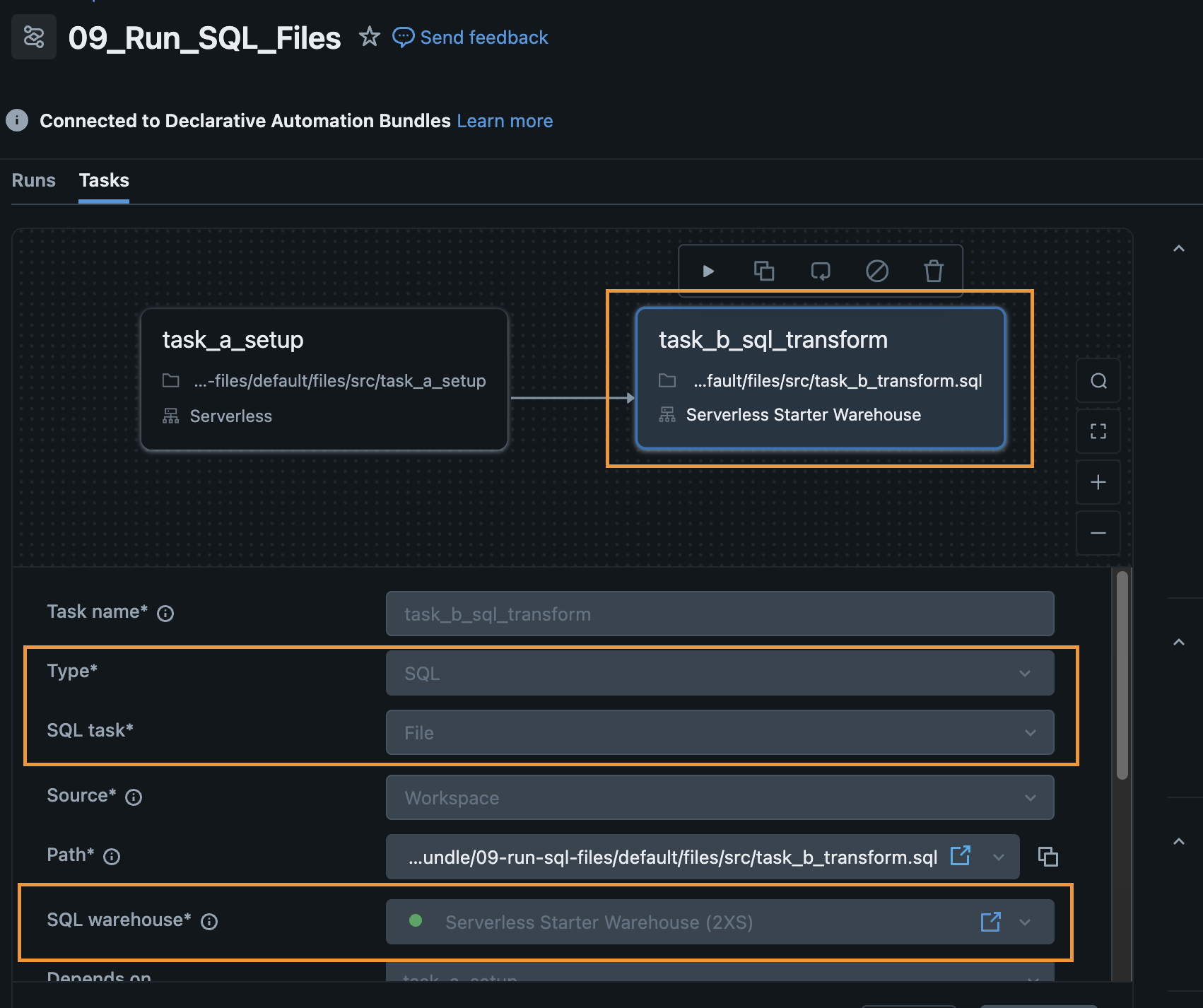
sql_tasktype — Executing raw SQL files directly on a Databricks SQL Warehouse. - Variable Lookups — Hardcoding infrastructure IDs such as a Warehouse ID is an anti-pattern because IDs differ across environments. The DAB
lookupfeature dynamically resolves the ID of a named resource at deploy time and injects it into the workflow configuration.
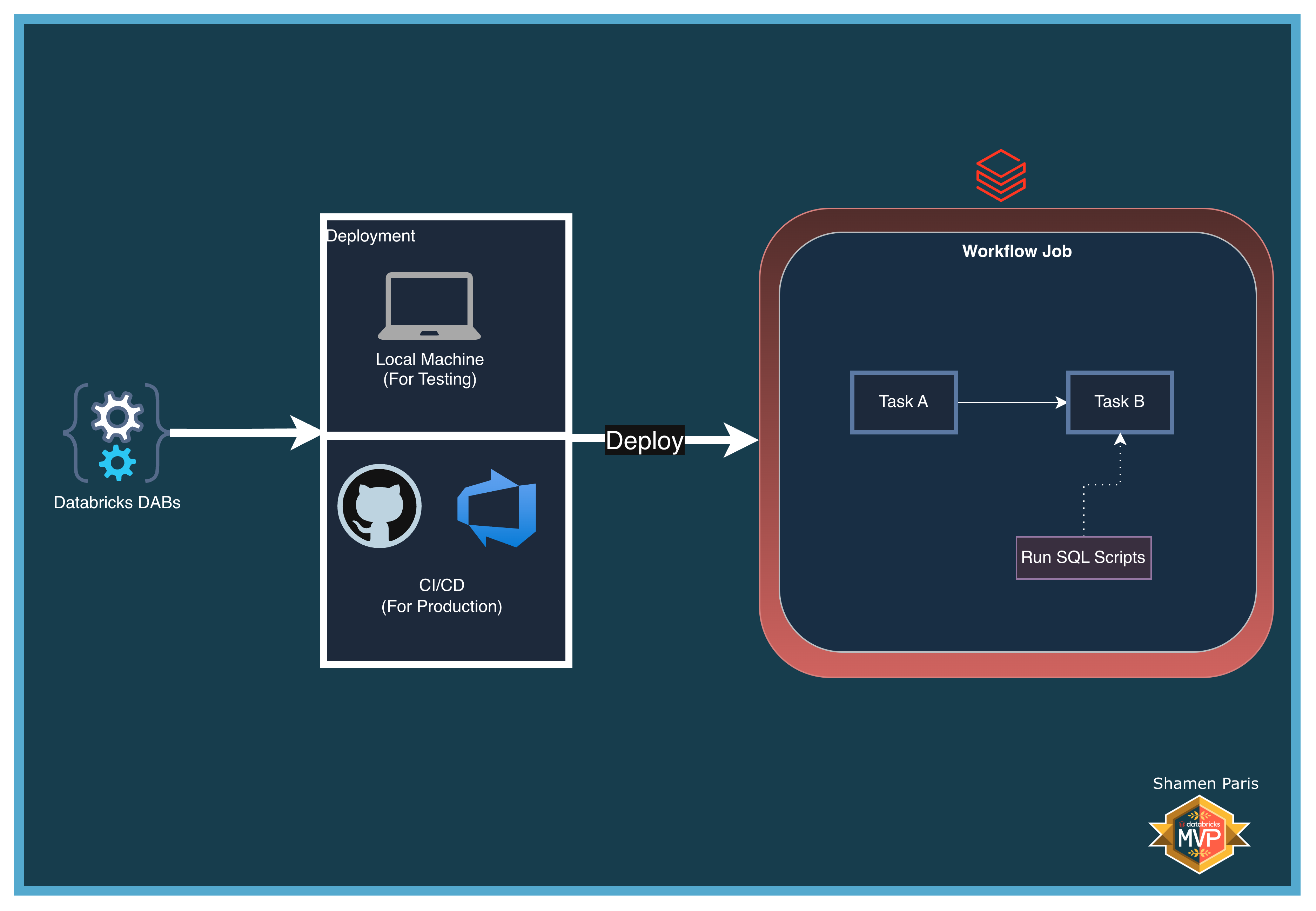
What Are We Building?
Prerequisites and Local Setup
Complete the Prerequisites and Local Setup before continuing.
Additional requirement: A SQL Warehouse named exactly Serverless Starter Warehouse must exist in your Databricks Workspace (this is usually present by default).
Bundle Structure
databricks.yml— Master control file. Uses thevariablesandlookupblocks to dynamically resolve thesql_warehouse_idby warehouse name at deploy time.resources/jobs/sql_orchestration_job.yml— Defines the workflow usingsql_taskand the${var.sql_warehouse_id}substitution syntax.src/task_a_setup.py— A Python notebook that creates and populates a Delta table inmain.demo.src/task_b_transform.sql— A raw SQL script that inserts and aggregates data using the SQL Warehouse engine.
How to Deploy and Run
Once authenticated, navigate to this folder (09-sql-tasks-with-variable-lookup) in your terminal.
Step 1: Validate and deploy
databricks bundle validate
databricks bundle deploy
Step 2: Run the job
databricks bundle run sql_orchestration_job