11: Run dbt on Databricks
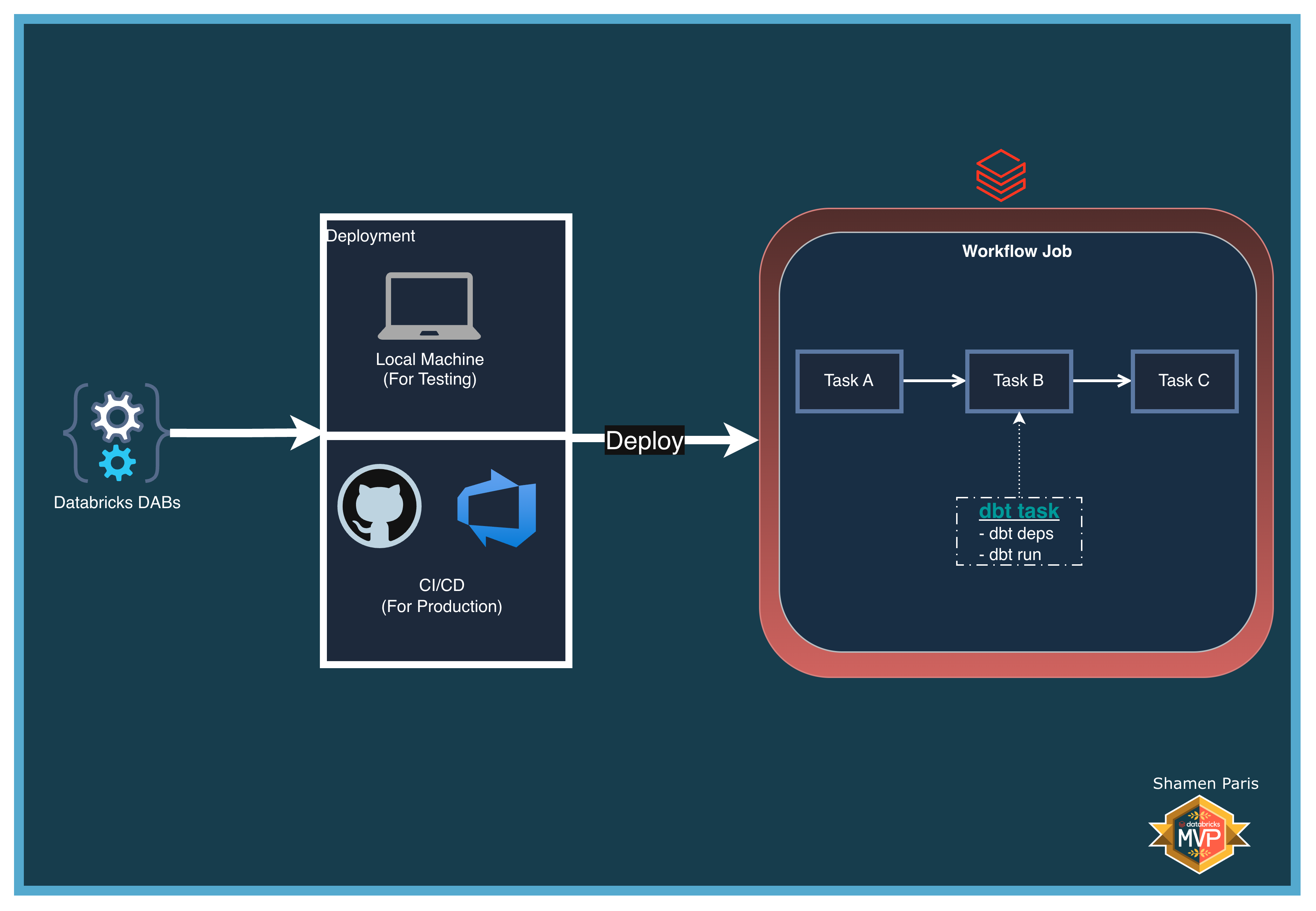
In this module, you will learn how to orchestrate a dbt Core project natively inside a Databricks Workflow using the dbt_task type. This removes the need for external orchestration tools and complex authentication setups — Databricks handles compute provisioning, profile injection, and log streaming automatically.
The workflow follows a three-step DAG: setup raw data (Python) → run dbt models (SQL Warehouse) → validate the output (Python).
What Are We Building?
Prerequisites and Local Setup
Complete the Prerequisites and Local Setup before continuing.
Additional requirement: A SQL Warehouse named exactly Serverless Starter Warehouse must exist in your Databricks Workspace.
Bundle Structure
databricks.yml— Master control file with dynamiclookupvariable resolution.resources/jobs/dbt_job.yml— Defines a three-task DAG usingnotebook_task,dbt_task, andnotebook_task.src/dbt_project/— A self-contained dbt Core project with its own models anddbt_project.yml.src/task_a_setup.py— Prepares the raw source table inmain.demo.src/task_c_validate.py— Reads and displays the dbt-transformed output table.
How to Deploy and Run
Once authenticated, navigate to this folder (11-run-dbt-on-databricks) in your terminal.
Step 1: Validate and deploy
databricks bundle validate
databricks bundle deploy
Step 2: Run the job
databricks bundle run dbt_orchestration_job
Step 3: Verify the output
task_a_setup_data creates the raw source table, task_b_dbt_run compiles and runs the dbt model (stg_users.sql) on the SQL Warehouse, materialising it as a Delta table in main.demo. task_c_validate_output then reads and displays the filtered result.