13: Advanced Job and Pipeline Orchestration
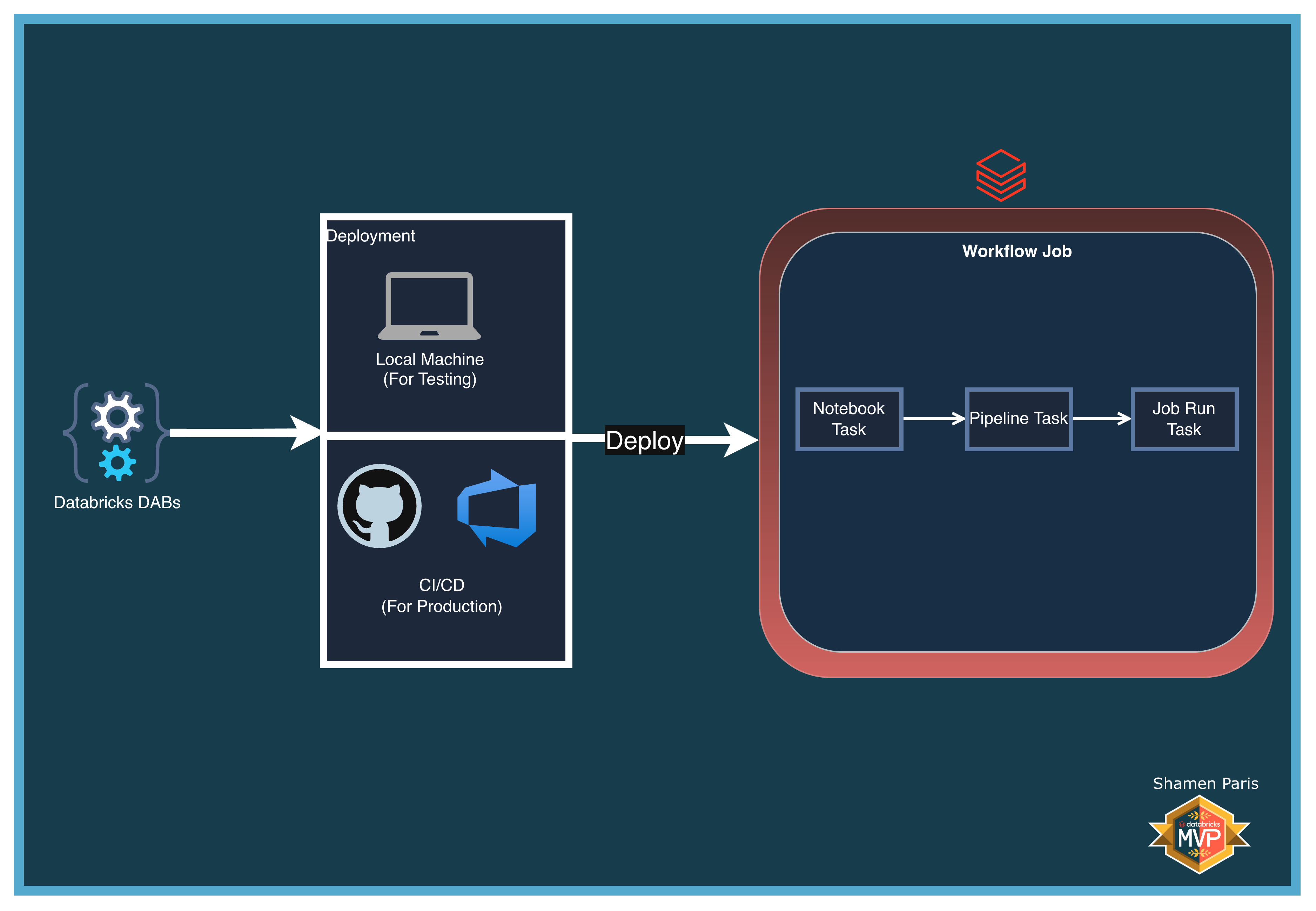
In this module, you will build a Master Orchestrator workflow that ties together all major Databricks resource types within a single bundle deployment. The master job executes a local notebook, triggers a Delta Live Tables pipeline, and then triggers a completely separate Databricks Workflow.
This pattern reflects real enterprise architectures where pipelines and reporting jobs are maintained by different teams but need to be coordinated within a single orchestration layer.
What Are We Building?
Prerequisites and Local Setup
Complete the Prerequisites and Local Setup before continuing.
Bundle Structure
databricks.yml— Master control file that loads all resources via**/*.yml.resources/pipelines/dlt_pipeline.yml— The declarative DLT pipeline.resources/jobs/child_job.yml— A standalone child reporting workflow.resources/jobs/master_job.yml— The master orchestrator. Usesnotebook_task,pipeline_task, andrun_job_taskto chain the resources together using their dynamically resolved IDs (e.g.,${resources.pipelines.advanced_dlt_pipeline.id}).src/— Python and DLT source files for each task.
How to Deploy and Run
Once authenticated, navigate to this folder (13-advanced-job-pipeline) in your terminal.
Step 1: Validate and deploy
databricks bundle validate
databricks bundle deploy
Step 2: Run the master job
You only need to trigger the master job. It will automatically trigger the DLT pipeline and the child job in sequence.
databricks bundle run master_orchestration_job
Step 3: Verify the output
In the Workflows UI, you will see Task A execute locally as a notebook, Task B show a dedicated pipeline execution node, and Task C show a direct link to the triggered child_reporting_job run instance.