03: Schedule a Job
In this module, you will learn how to automate job execution using cron schedules and how to deploy standard Python files as Databricks Notebooks.
Key concepts covered:
- Notebook Source Format: Using
# Databricks notebook sourceto version-control notebooks as standard Python files while allowing cell-by-cell execution with# COMMAND ----------. - Cron Scheduling: Automating workflows using the
scheduleblock with Quartz cron expressions.
What Are We Building?
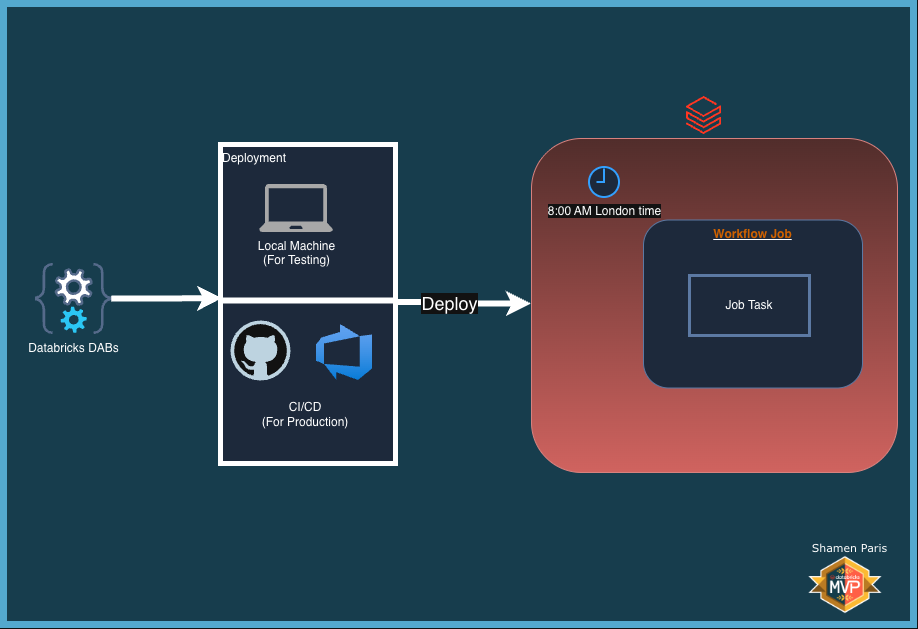
Prerequisites and Local Setup
Complete the Prerequisites and Local Setup before continuing.
Bundle Structure
databricks.yml— The master control file that usesinclude:to load external YAML files.resources/jobs/scheduled_job.yml— Contains the job definition and the Quartz cron schedule configuration.src/scheduled_notebook.py— A Python file formatted as a Databricks Notebook.
How to Deploy and Run
Once authenticated, navigate to this folder (03-schedule-a-job) in your terminal.
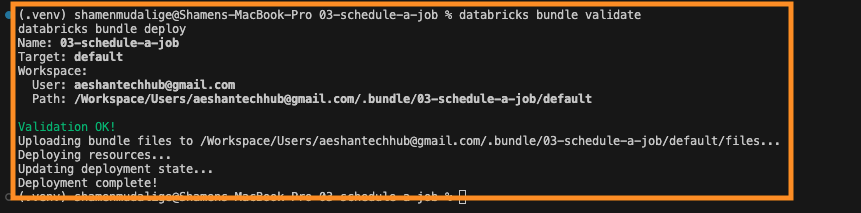
Step 1: Validate and deploy
databricks bundle validate
databricks bundle deploy
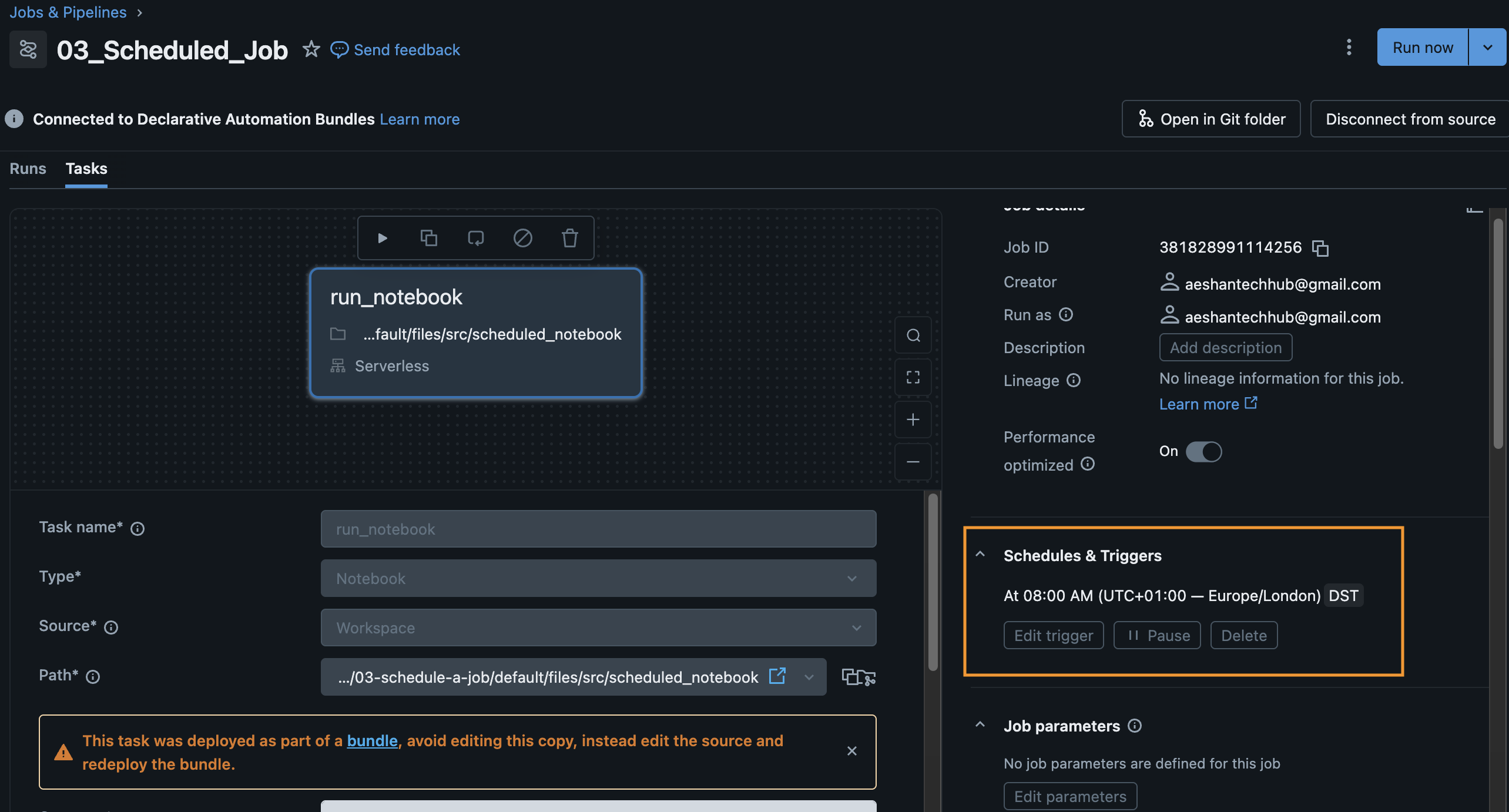
Step 2: Verify the schedule
Once deployed, the job will automatically run based on the cron schedule (every day at 8:00 AM London time). You can verify the schedule is active in the Databricks Workflows UI.