Prerequisites and Local Setup
To follow along with these modules on your local machine, you need the Databricks CLI installed and authenticated.
1. Install the Databricks CLI
Mac/Linux (using Homebrew):
brew tap databricks/tap
brew install databricks
Windows (using winget):
winget search databricks
winget install Databricks.DatabricksCLI
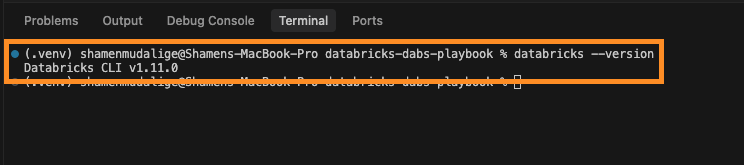
Verify the installation:
databricks --version
2. Authenticate with Your Workspace
You can follow these modules at no cost using the Databricks Free Edition (the modern replacement for Community Edition).
Option A: Databricks Free Edition
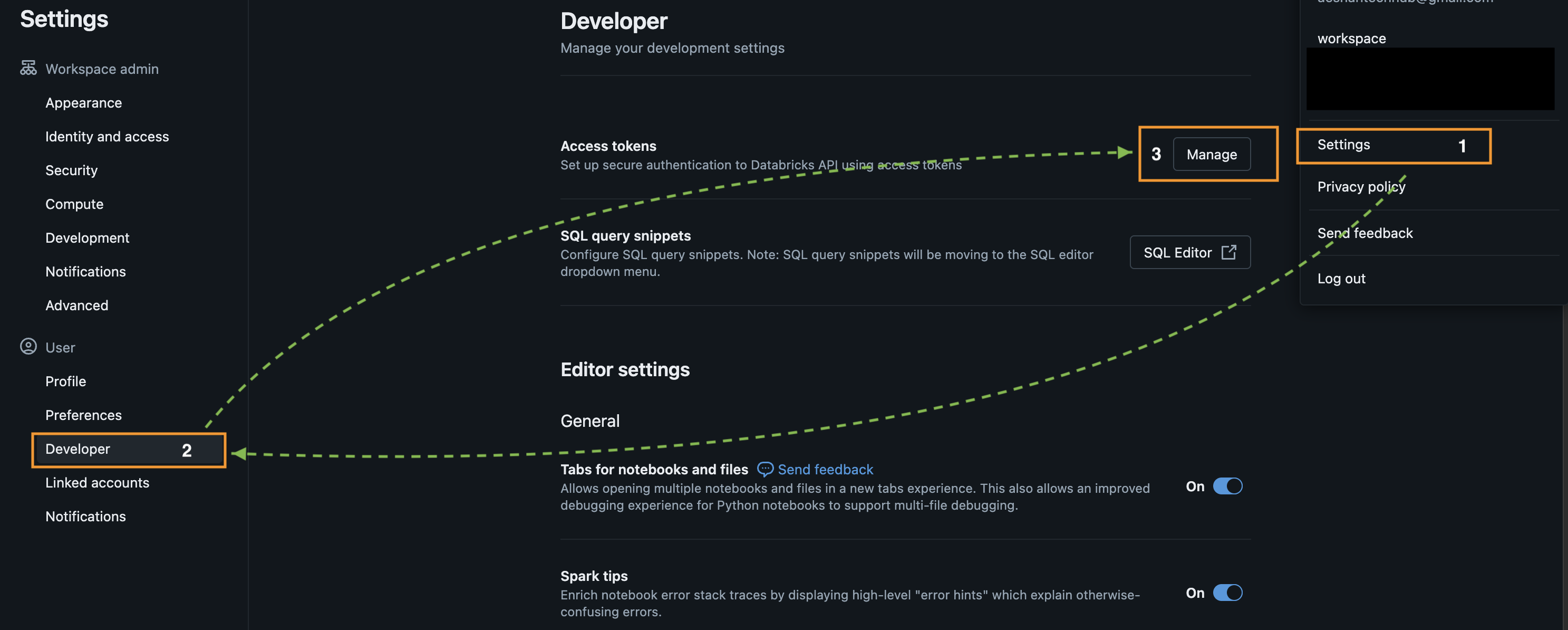
- Open your Free Edition workspace in a browser.
- Go to User Settings → Developer → Access Tokens.
- Click Generate New Token and copy the value.
- In your terminal, run:
databricks configure --host https://<your-free-edition-workspace-url>
- Paste your token when prompted.
Option B: Enterprise Workspace (Paid)
For enterprise environments, OAuth U2M (User-to-Machine) via the browser is the recommended approach.
- In your terminal, run:
databricks auth login --host https://<your-enterprise-workspace-url>
- A browser window will open. Log in with your standard credentials.
- The CLI will automatically save the token to
~/.databrickscfg.
Verify your connection:
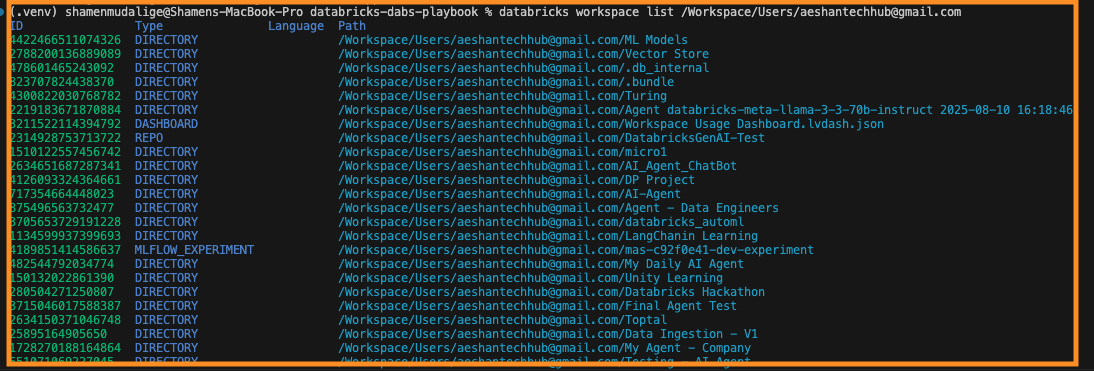
databricks workspace list /Workspace/Users/<your-email>